How to check or download the submitted application form on the visa center website?
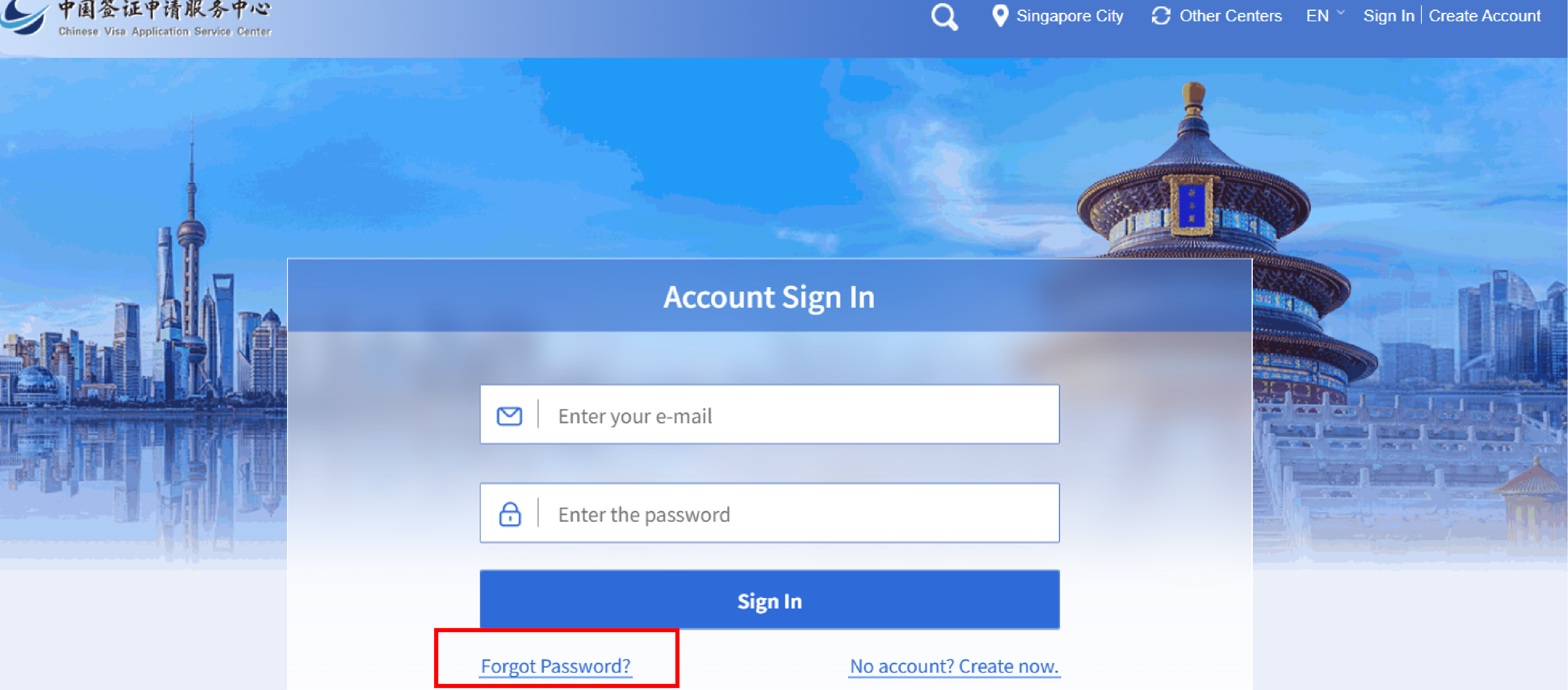
1. Visit the Visa Center website and log in to your account. Please confirm that you are logging into the 'Singapore' center page. If not, please click 'Other Centers' to re-select

2. Enter the email and password used during registration.
If you forget your password, please reset it by using 'Forgot Password?'.
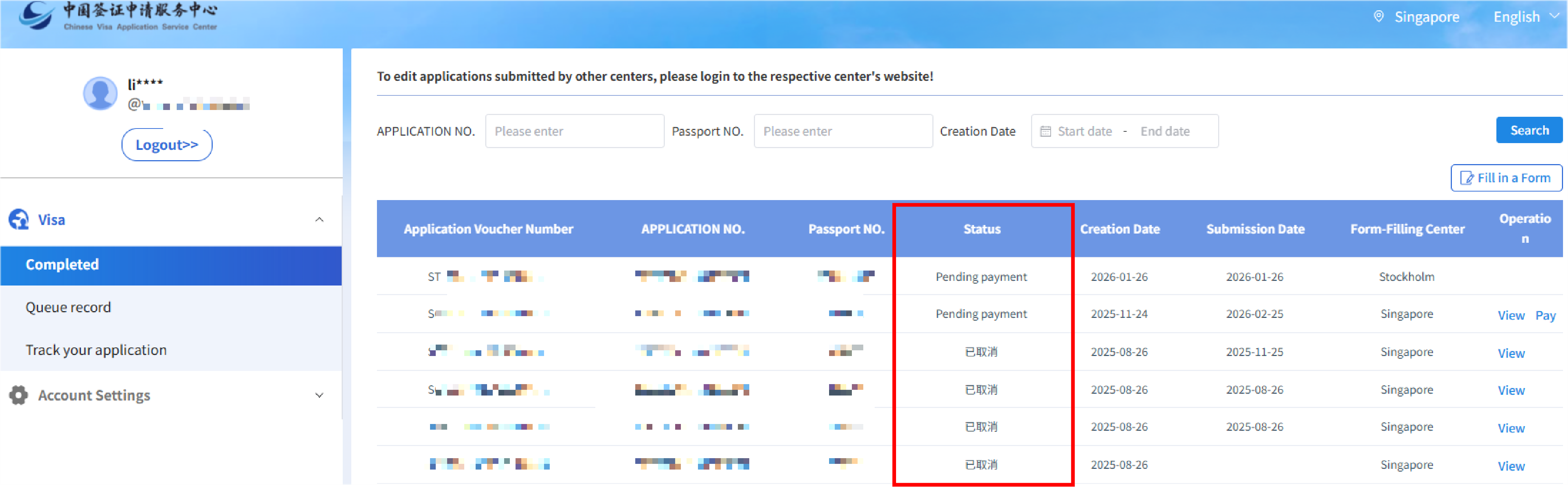
3. After logging in your account, the page displays the list of applications that have been filled out under this account.
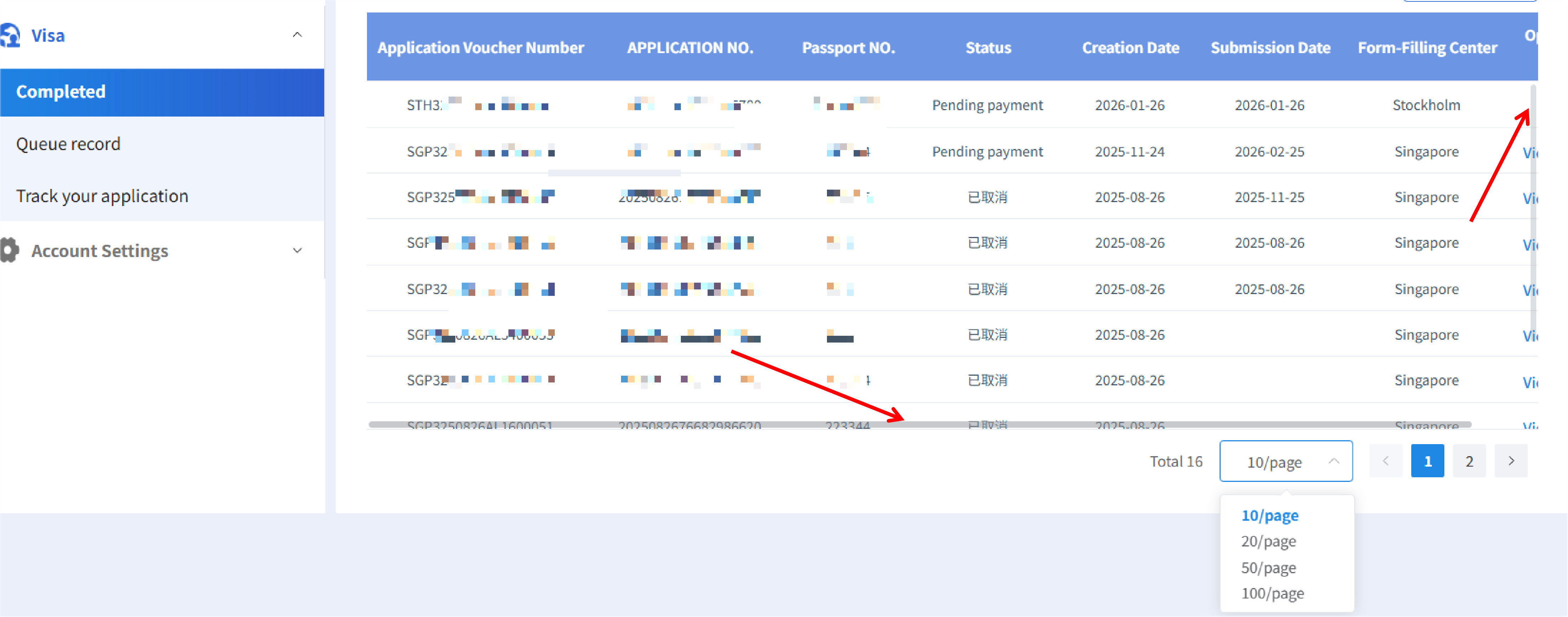
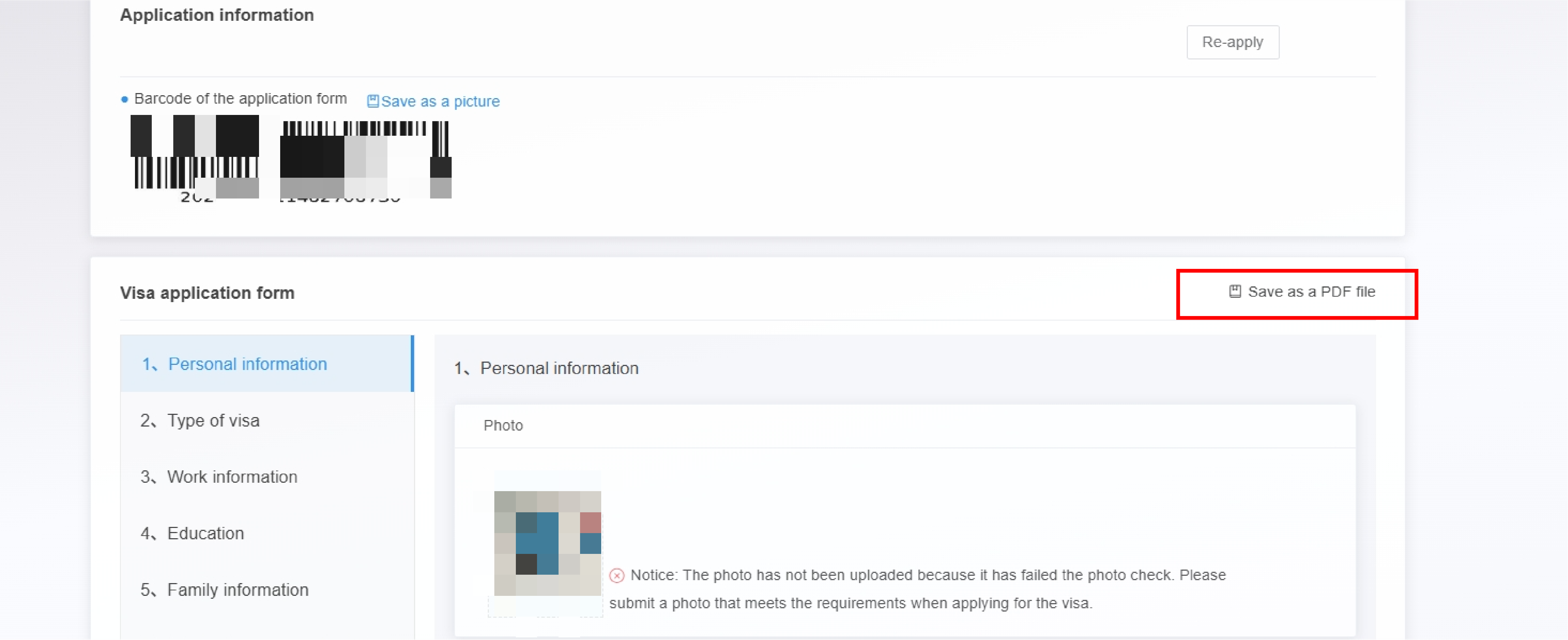
4. Click View button to display the application information page. Then click Save as a PDF file to download the filled out application form.
5. If the page does not display fully, you can move the mouse to the bottom of the list and scroll to the right.